How to protect your WiFi from hackers
Today, our lives have become digital, and the world has become a global village because of the internet. With the emerging and modern technologies, Wi-Fi is also a part of our lives. Whenever we are in the office or school, or college, we prefer to connect our devices to Wi-Fi.
It becomes an alarming situation when we do not take Wi-Fi security seriously. Some users have not bothered to change their default password and admin login. That’s why hackers get access to their network, and it could become dangerous for their data, privacy, and internet speed.
Tips to protect your Wi-Fi
Change router default login:
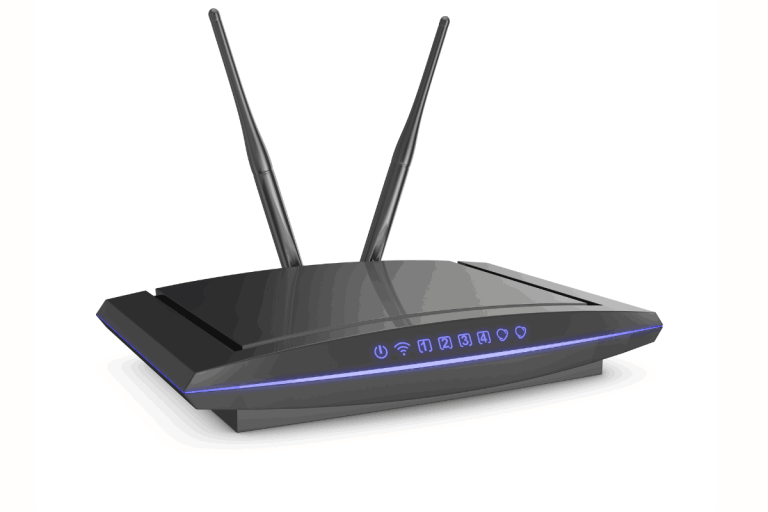
After buying, some people start using Wi-Fi with the default password and user name without any changes. Every new router is given a password and a login username. The default user name and password are:
Username: admin
Password: admin
Everybody knows this information, including hackers. Any hacker can get access to your router settings and take control of your entire internet.
First of all, log in to your router at 192.168.10.10 and click on the wireless settings
Scroll down and click Disable the WPS
In an advanced setting, you have two options: whitelist and blacklist
Blacklist is used when someone is already using your Wi-Fi, and now you want to block them. You get that mobile address and paste it into the Blacklisted MAC Address. In the Remark (optional) box, name it as per your wishes.
A whitelist is used when you want to give access to limited devices as per your choice and you allow them to use your Wi-Fi. After this, all other devices will be blocked automatically.
In the box Whitelisted MAC Address, add the mobile address and, in the Remark box, give it a name and click on plus.
Only those mobiles will be connected to who you allow.
Set a strong Wi-Fi password:
A strong password can make your internet safe. Make sure the password consists of 12 words in such a way: Lush@Tenda2025!. And don’t use your name, date of birth, or easy word numbering.
Use of WPA2 or WPA3 Encryption:
Encryption is very important to secure Wi-Fi internet. Encryption is a system that converts data into code. No hacker or other person will be able to understand it. Whenever our mobile or laptop is connected to Wi-Fi, all our data, including passwords, pictures, and bank information, goes through the router in the form of encryption.
WPA is a security protocol, and it saves Wi-Fi from hacking.
Update router firmware:
Tenda Admin Panel → System Tools → Firmware Upgrade
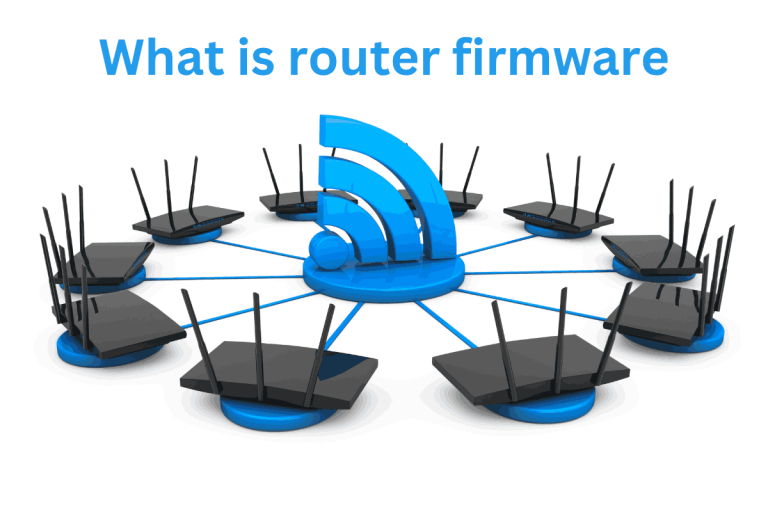
Many of us update mobile or laptop software, but we forget to update our router. Firmware is the mind of any router. It decides how the router should work, send data, and protect the network.
Firmware is a software that is installed in the router. It’s work is to divide the internet signals, keep passwords, and protect security. Whenever a company releases new firmware, it corrects bugs and improves security. By this, performance increases and stability are maintained.
Hide your Wi-Fi network:
Your Wi-Fi network has a name, which is called SSID. This name shows when we switch on our Wi-Fi on our mobile or laptop. Many people don’t know that it can be hidden and disabled. In this way, no person will be able to see your network in the Wi-Fi list.
Switch on Firewall:
A firewall is like a strong wall that protects your network from unauthorized access. it’s work is to check and block the suspicious and dangerous connections. It proves beneficial because it fails hacker attacks. The virus cannot enter the network, and your internet is secure.
Effects of hacking your Wi-Fi
When a hacker gets access to your network, he gets control of it. Now he can affect your privacy, data, and internet speed. The common signs are that it suddenly slows down your internet speed. You will see unknown devices on the network. The connection keeps disconnecting.
The password automatically keeps changing. When such a situation occurs, this is not only a matter of slow internet speed, but it becomes a security danger. A hacker can easily steal your personal data.