What is a LAN cable used for
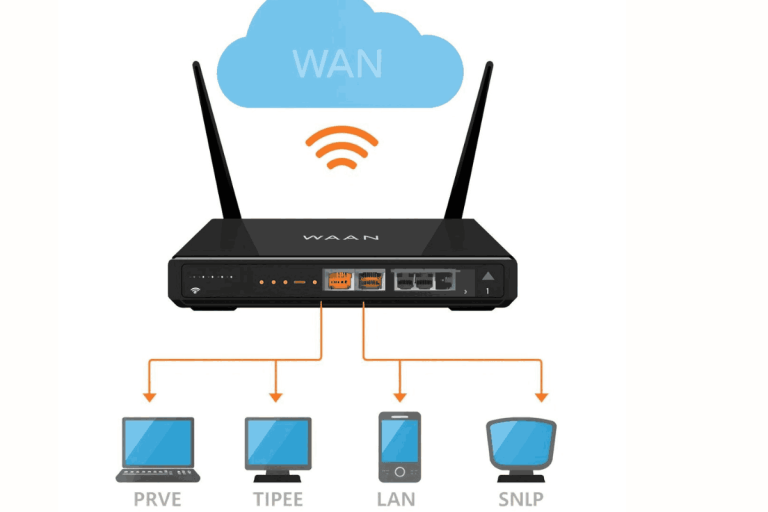
A LAN cable is a wired connection used to connect devices in a local area network (LAN). This cable directly connects a computer to a router to provide internet access. A LAN cable provides a path for data transfer quickly from one device to another.
We experience a low-latency connection whenever we connect a laptop with a cable instead of using wireless. A LAN is preferred for large file transfers and gaming. Wireless networks are flexible, but interference from walls can slow down the internet. A LAN cable is free from such issues.
There are many kinds of LAN cables available in the market, such as Cat5e, Cat6, Cat6a, and Cat7. Cat6 is mostly used for fast internet because it provides strong bandwidth and reliable signals.
The length is another important factor for a LAN cable. With long cables, signals weaken, so it is better to keep them at a suitable length.
How Does a LAN Cable Work?
LAN cable work seems simple, but it transfers data quickly and accurately. The cable has copper wires that carry electrical signals to other devices. Whenever a computer or router sends data, it is converted into 0s and 1s. These signals travel through the copper cable and reach other devices.
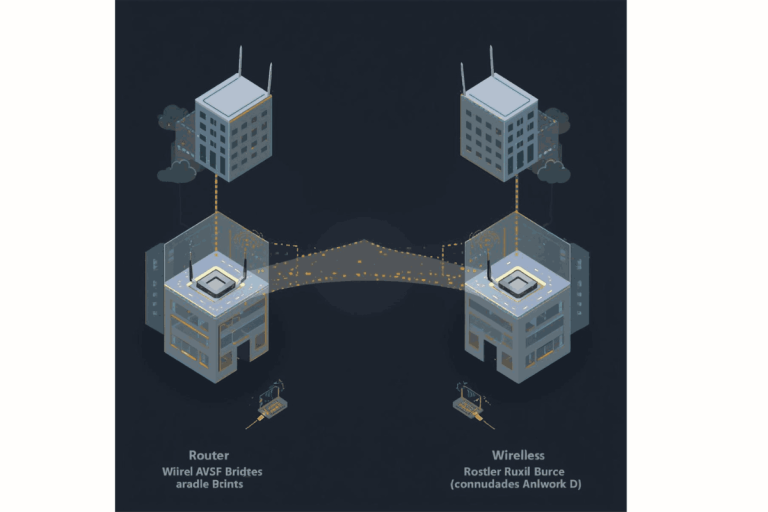
In a moment, these signals are transferred rapidly. They are converted back into digital data, and this process is called data transmission. Twisted pairs ensure that there is no interference in the signals. Meanwhile, a LAN cable works as a bridge between two devices.
Types of LAN Cables
| LAN Cable Type | Speed Capability | Common Use |
|---|---|---|
| Cat5 | Up to 100 Mbps | Basic home internet |
| Cat5e | Up to 1 Gbps | Standard modern homes |
| Cat6 | Up to 10 Gbps (short distances) | Offices or gaming setups |
| Cat6a | 10 Gbps with reduced interference | High-performance networks |
| Cat7 / Cat8 | Up to 40 Gbps | Data centers or enterprise-level systems |
Common Uses of a LAN Cable
A LAN cable is a basic requirement for modern networking. It is widely used in homes, offices, educational institutions, and commercial centers. It can also be used for internet connections. It connects directly to laptops, computers, and routers.
It keeps the signal stable and fast. LAN cables are used in servers and data centers where thousands of gigabytes of data are transferred. LAN cables are preferred in such places because they maintain a continuous and stable connection.
They are suitable for users who prioritize speed and security.
Advantages of Using a LAN Cable
A LAN cable is the best choice for those who want fast, stable, and secure internet. It provides a reliable connection compared to wireless technology. The internet does not face any interruptions.
A LAN cable is especially useful for online gaming. Data is sent directly through the cable. Professional gaming, video conferencing, and live streaming benefit from a LAN cable.
Being a physical cable, it is very difficult to access the data. Sensitive business information or data is protected. It is not affected by walls or other electronic devices at home.
Disadvantages of Using a LAN Cable
A LAN connection requires a physical wire. Devices such as TVs and computers cannot be moved easily. This situation is difficult for users who work mostly on laptops or mobile devices.
It is difficult and time-consuming to lay cables in large homes. Cables need to reach every floor, which increases the expense. Wi-Fi is easier compared to LAN.
If not organized, cables can scatter everywhere. Scattered cables create problems in homes and offices and appear unprofessional.
A LAN cable is effective up to 100 meters. Signal strength weakens over longer distances. Repeaters need to be installed in large factories or homes.
Today, in the digital era, people prefer smartphones and tablets. It is very difficult to connect these devices with a LAN cable. This system is unsuitable for such modern technology devices.
How to Choose the Right LAN Cable
First, check your internet package. If your plan is less than 100 Mbps, a Cat5e cable will be sufficient for the connection. For speeds up to 1 Gbps, Cat6 or Cat7 is suitable. Always choose the cable that provides the best performance.
Second, check your internet usage. If you only browse or watch videos, Cat5e will be sufficient. For online gaming, 4K video streaming, or transferring large files, you should use Cat6. It will provide a fast and stable connection.
Some older computers or networks do not support new-generation cables. It is necessary to check the router to see whether it is compatible.
Shorter cables provide stronger signals. Long cables lose capacity, so avoid excessively long wires. Always buy shielded cables from reputable brands to ensure clear and stable signals.
Maintenance Tips for LAN Cables
You need to take care of your cable after installation. A small mistake can affect overall performance. It is important to maintain it for a long time.
A LAN cable has thin copper wires that transfer data signals. The inner wires can break if the cable is bent repeatedly.
Always keep the cable away from electrical wires, as electrical interference can affect your internet.
In the case of multiple LAN cables, always use a clamp to keep them organized.
If a cable sheath is damaged, replace it. Damaged cables slow down the speed and can sometimes cause signal loss.